SimCity 2000 → Minecraft converter
Your city, block by block.
Dust off that old .sc2 file. MineCity 2000 rebuilds your SimCity 2000 metropolis as a Minecraft world you can walk, fly and dig through.
- Private: nothing is uploaded
- Runs in your browser
- Minecraft Java 1.3.2+
Build your world
Loading engine1Pick your city
2Choose options
3Convert
Runs entirely in your browser. Your city file is never uploaded.
From pixels to blocks
Same city. Whole new dimension.
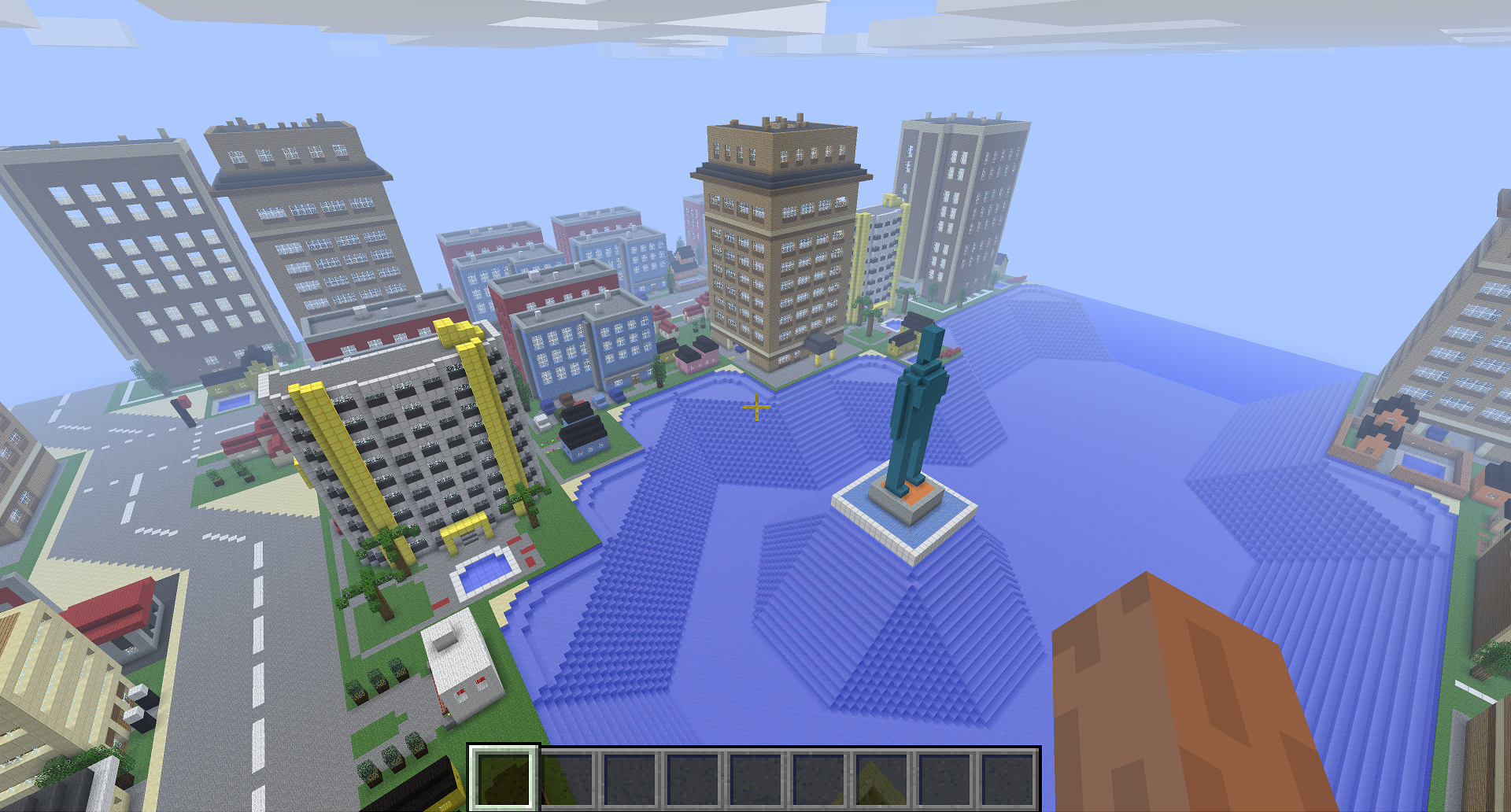
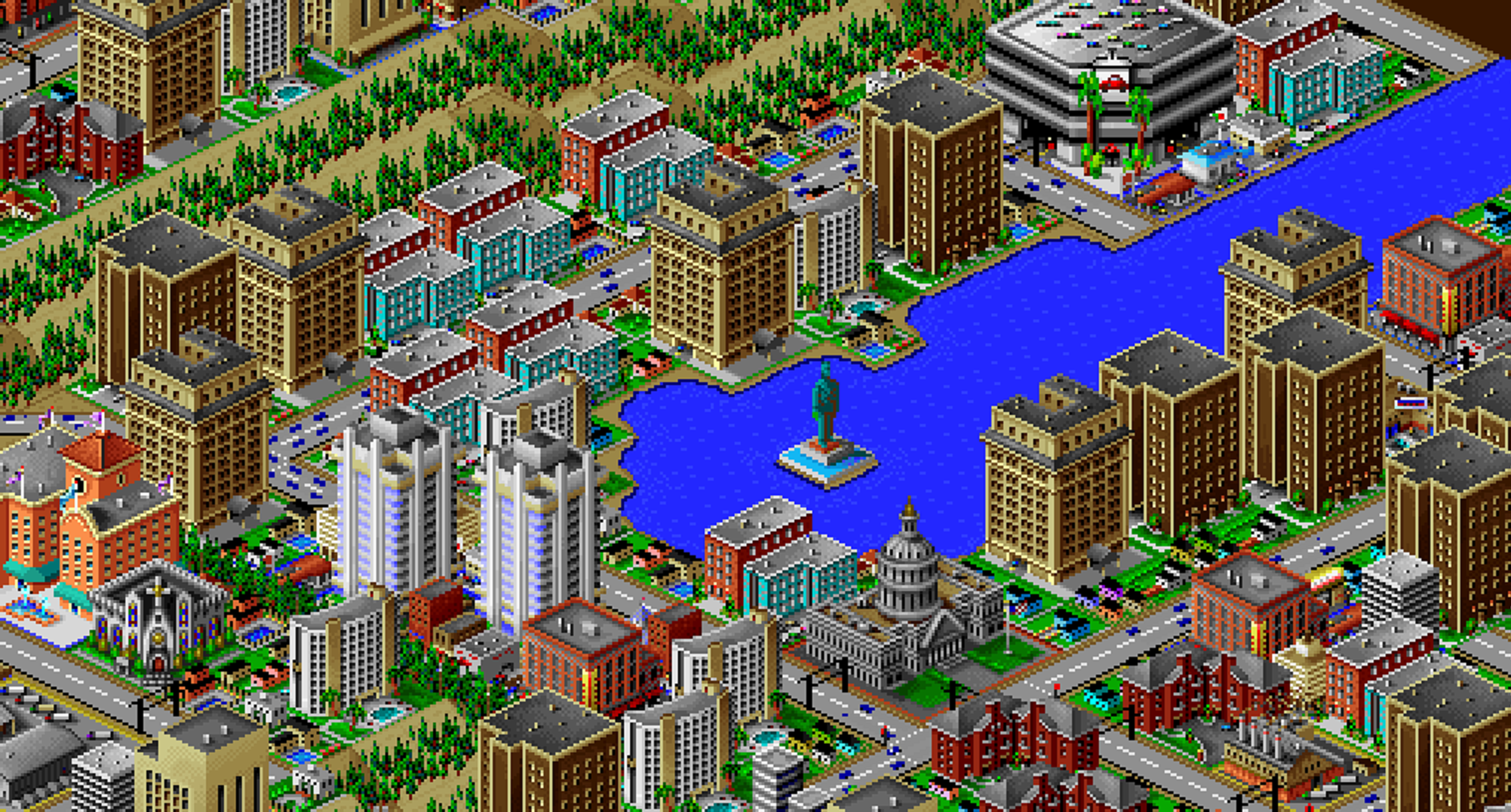
Drag the slider to compare. Terrain, water, roads, rails, power lines, trees and over 80 building types get rebuilt block by block.
Three steps, zero mods
How it works
Find your city
Look in
C:\Program Files\Maxis\SimCity 2000\Cities, or open the city in SimCity 2000 and use File → Save city as.Convert it
Drop the .sc2 file above, pick your options and hit Convert. The terrain is mapped and every building is placed for you.
Play it
Unzip the download into
.minecraft/savesand your city will appear in your Minecraft singleplayer worlds.
Good to know
Questions, answered
Want to see it in action first? Watch a few cities come to life.
Which version of Minecraft do I need?
Minecraft Java Edition. Worlds are based on v1.3.2, so they open in any Java Edition version newer than that.
Can I play it in Bedrock Edition?
Yes, convert the generated world with chunker.app. It works almost perfectly, and Bedrock lets you crank the draw distance way up.
Is my city file uploaded anywhere?
No. The whole converter runs locally in your browser via WebAssembly. Your .sc2 file never leaves your computer.
Why are there gaps between some buildings?
Not every SimCity 2000 building has been designed in Minecraft yet. Subways, most highways and underwater pipes are not supported yet either.
Can I help add missing buildings?
Please do! There is a guide for designing new buildings. Bug reports are welcome on GitHub Issues.